CCSwitch Configuration
CCSwitch is suitable to configure MoonApiX as a service available to Codex, IDE assistant or other OpenAI-compatible client. The rookie suggests that the CCSwitch be preferred because it centrally manages Base URLs, API Key and model names.
Configure Values
| Configure Item | Value |
|---|---|
| Type | OpenAI-compatible / Custom Configuration |
| Base URL | https://moonapix.com/v1 |
| API Key | <MOONAPIX_API_KEY> |
| Chat Path | /chat/completions |
| Models Path | /models |
| Common Chat Model | moonapix-chat, or model ID returned using GET /v1/models |
If CCSwitch requests to complete a full chat API address, use:
https://moonapix.com/v1/chat/completionsInstall CCSwitch
- Opens the CCSwitch release page to download the installation package that fits the current system.
- Install and start CCSwitch.
- Select Codex in the application type, click the top right corner to add the configuration.
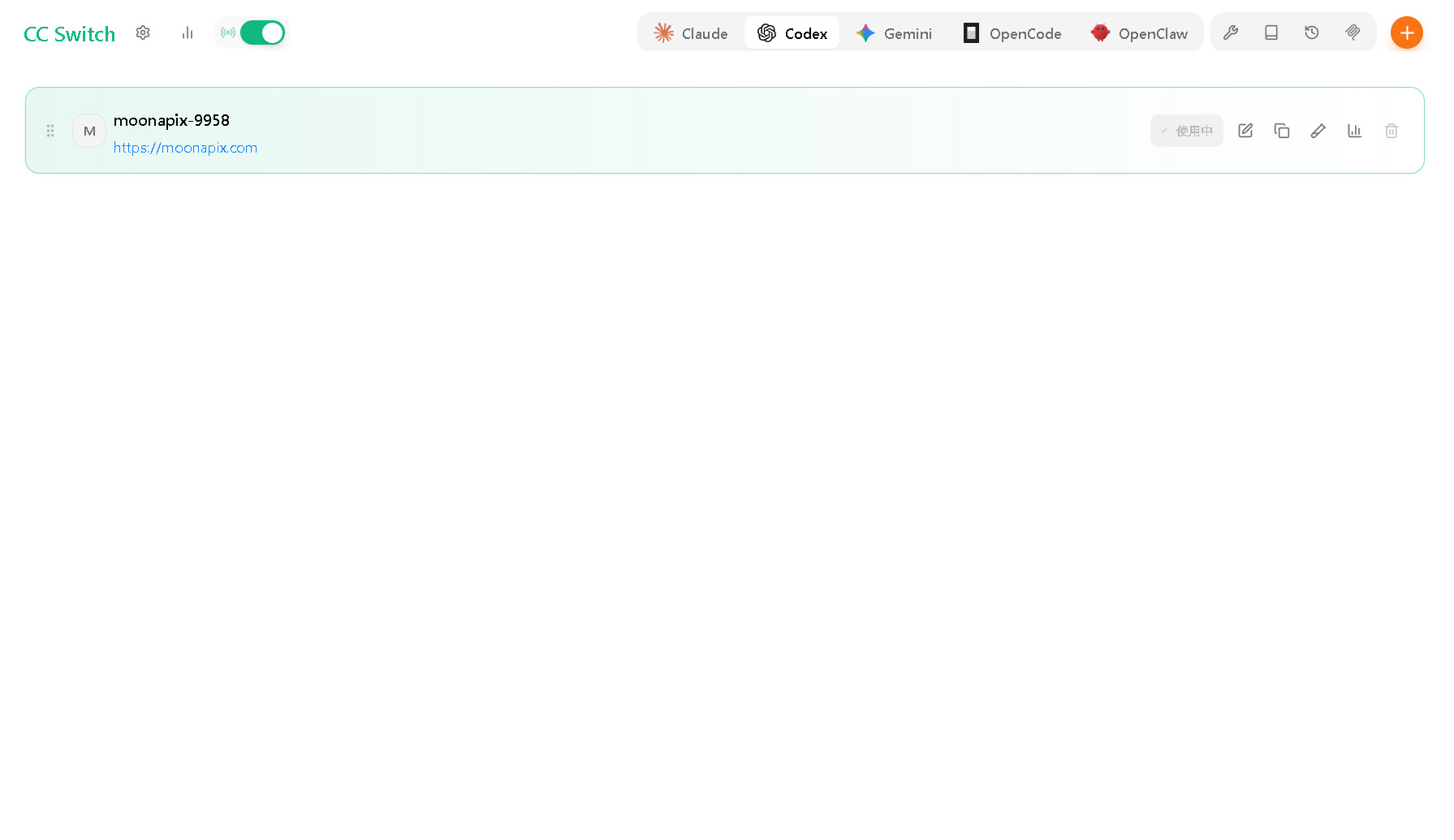
Add MoonApiX Configuration
Select the custom configuration in the addition configuration page, and then fill in the link information for MoonApiX.
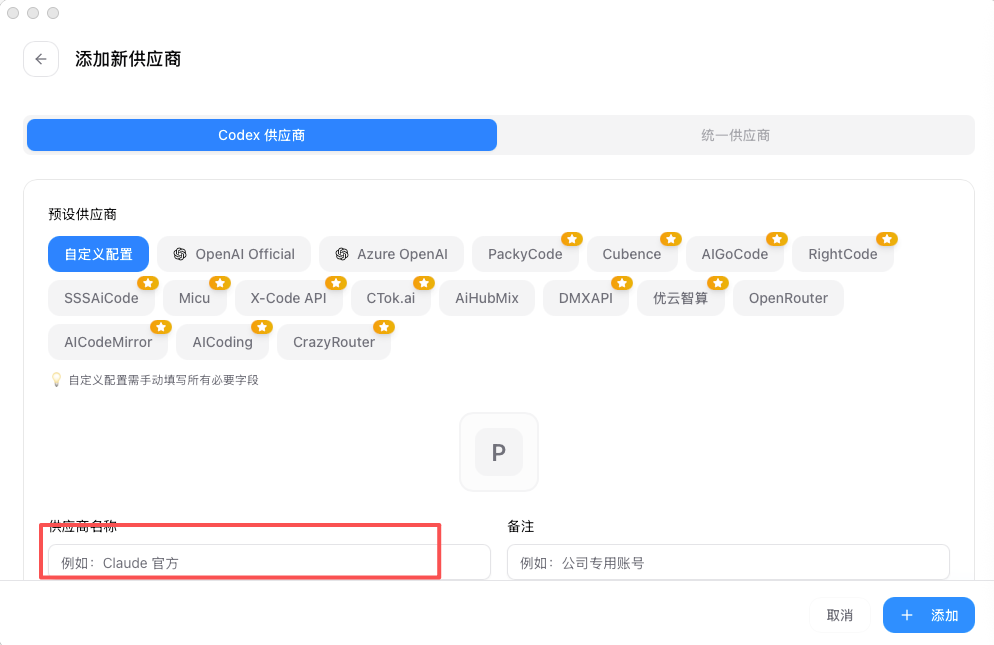
Recommended completion:
名称:MoonApiX
Base URL:https://moonapix.com/v1
API Key:<MOONAPIX_API_KEY>
Model:moonapix-chat
Save before confirming that the configuration is enabled in CCSwitch, and then starting or restarting Codex.
Get API Key
- Login
https://moonapix.com. - Enter the API token page of console.
- Creates or copys an API Key that can be used in text models.
- Paste to the API Key input box for CCSwitch.
Do not write real API Key into project files, screenshots or public documents. The <MOONAPIX_API_KEY> is used in the document and the example.
Use in Codex
If Codex has previously logged in other account or service, it is recommended to exit and then choose to enter API Key.
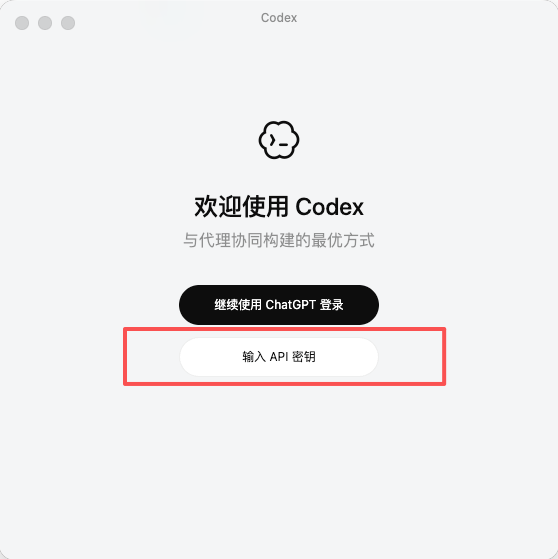
Paste MoonApiX API Key by hint.
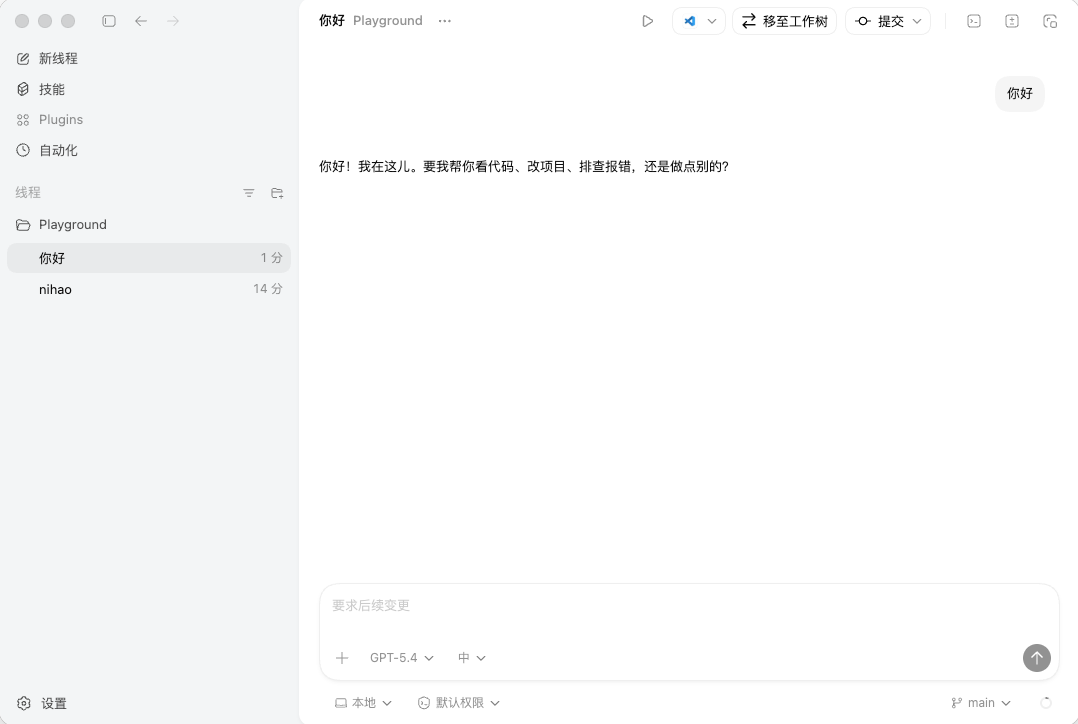
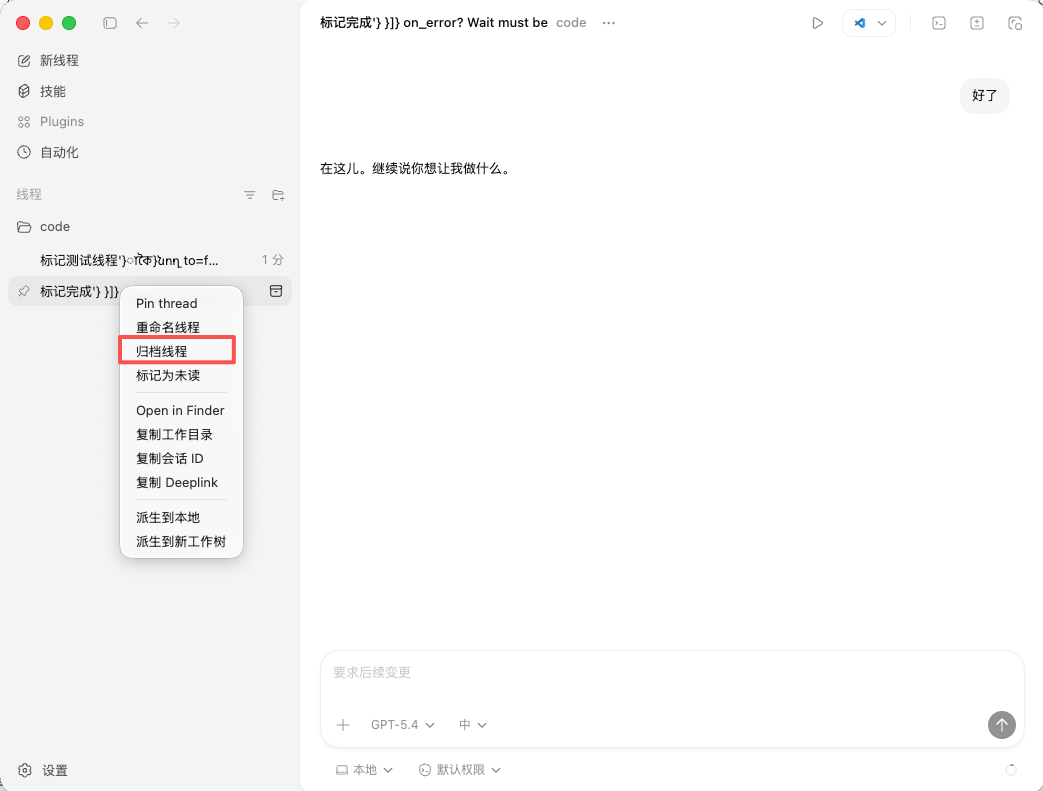
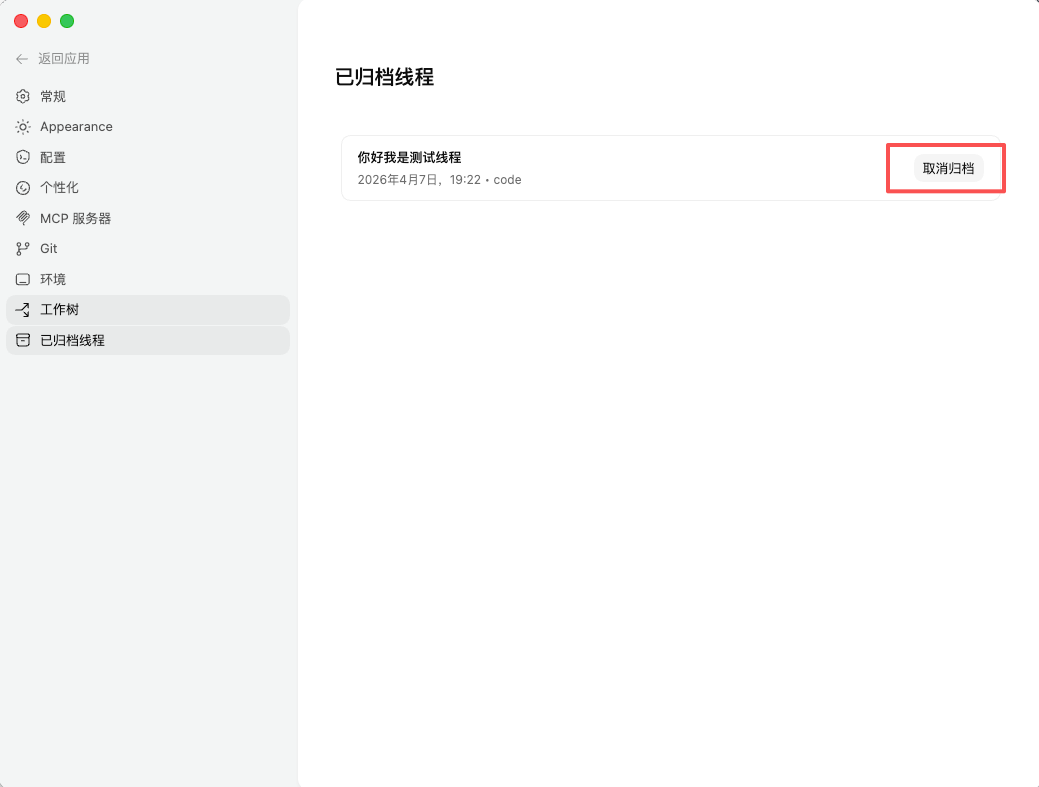
If the old session is still to be preserved, you can archive it and then revert after the configuration is completed.
Connectivity testing
After the configuration is completed, send a short text to test. You can also confirm the availability of API Key and the model by using the command line:
curl https://moonapix.com/v1/models \
  -H "Authorization: Bearer <MOONAPIX_API_KEY>"
Chat test:
curl https://moonapix.com/v1/chat/completions \
  -H "Authorization: Bearer <MOONAPIX_API_KEY>" \
  -H "Content-Type: application/json" \
  -d '{
    "model": "moonapix-chat",
    "messages": [
      {
        "role": "user",
        "content": "回复 ok。"
      }
    ]
  }'
FAQ
| phenomena | Treatment |
|---|---|
401 | Checks whether API Key is correct and authentication head is Bearer <MOONAPIX_API_KEY>. |
404 | Checks whether Base URL ends with /v1, and whether the path is duplicated with /v1. |
| Models Not Available | Use GET /v1/models query to search for available models and confirm that API Key has corresponding model privileges. |
| No streaming effect. | Checks if the client is opening, and request is moving into stream: true. |
More generic settings are available at Client configuration.